WELCOME
Live sports, films, and news on every screen.
One IPTV Moon login for the television, the phone, and the browser. HD and 4K where the channel sends it, with catch-up on the plan you pick.
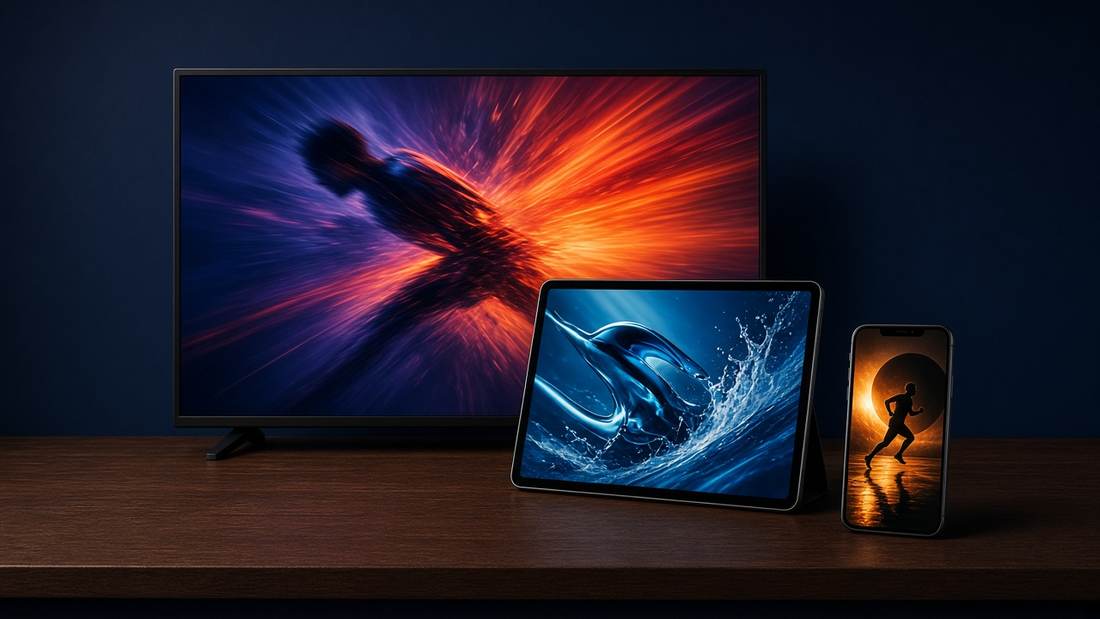
POPULAR SPORTS
Don’t miss the live nights
Football, court sports, and race weekends sit in one sports folder. The picture stays in HD, and in 4K on Moon Max when the broadcaster sends a 4K feed.



ON EVERY DEVICE
High quality on the set you already own
- Samsung, LG, Android TV, and Google TV
- Amazon Fire and Android boxes
- iPhone, iPad, and Android phones
- A browser on a laptop
- A stream box only if the television cannot install an app
ON THE GUIDE
Channels grouped the way you watch
Sports, cinema, news, kids, music, and documentaries each have a folder, so a match is never buried under the films.







FOR THE FAMILY
A kids folder that stays easy to open
Children’s channels, music, and documentaries sit apart from live sport. You can keep the rest of the guide out of the way when they have the remote.
MEMBERSHIP
Pick the size of the lineup
Every plan includes the apps and a written setup for your television. No box rental. Write to us when you want to move up or pause.
Moon Start
€9.90 / month
One screen, in HD.
- 4,000 live channels
- 1 screen at a time
- HD streams
- 7-day catch-up on selected channels
- Email support
Moon Plus
€16.90 / month
The household plan.
- 8,000 live channels
- 3 screens at a time
- Sports and cinema packs
- 14-day catch-up
- Priority replies
Moon Max
€24.90 / month
The full lineup.
- 12,000 live channels
- 5 screens at a time
- 4K where the channel sends it
- 30-day catch-up
- Setup call on request
TESTIMONIALS
What they say after the first week

Match night used to mean hunting for a stream. The game is in the guide now, and the picture stays steady through the second half.

We use the living-room television and my phone. Three screens on Plus covers the house without anyone getting kicked off.

They named the app for our Samsung and the sports channels were there the same evening.

The children’s folder is easy to find, and I can keep the rest of the guide out of the way.
GUIDES
Setup and picture help
Short guides for the television you already own, the plan that fits, and what to check before you write to support.
Smart TV
Samsung, LG, and Android TV, and what to do when the store has no player.
Fire TV
Install on a Fire Stick or Android TV with the login from the welcome email.
Plans
How many screens you need, and what Start, Plus, and Max include.
Buffering
One channel or every channel, and the cable check that fixes most evenings.