A home theater iptv project usually starts with a screen and ends in a compromise. The screen is bought first, the receiver arrives second and the cables are chased into the wall last. Working in the other order costs less and looks better.
The source is the simplest part. What decides whether an evening feels cinematic is the room: the distance to the screen, the sound path and the cable behind the cabinet.
Let the seat set the screen size
Sit about 2.5 times the screen height away for mixed viewing, and about 1.5 times for mostly 4K. A 65-inch set is roughly 80 cm tall, so 2 metres is comfortable and 4 metres feels small. Mark the wall with tape first.
Build the chain in the right order
Source, then receiver, then display. Every hop is another handshake where a black screen can happen, so connect the box to the receiver and let it pass video through.
Cable length matters more than price. A passive HDMI cable carries 4K at 60 Hz for about five metres; beyond that, use an optical cable. Most unexplained sparkle traces back to a long, thin cable.
Fix lip sync once, properly
Televisions delay the picture by tens of milliseconds through video processing, and receivers add their own. Correct it with the receiver’s audio delay setting rather than the player’s, so the fix covers every source. If the mismatch changes with the channel, the stream is at fault; our guide to fixing audio desync covers that case.
Put the network in the wall
Streaming boxes belong on a cable where possible: a wire removes the evening congestion that ruins a match and frees the wireless band for phones. Ask for two cables to the cabinet, one for the source and one spare.
For a room that also feeds other screens, the multi-room setup notes explain how to stop one stream starving another.
The order of work for a home theater iptv room
- Fix the seating and mark the screen height.
- Run conduit and cables before plastering.
- Terminate and test the network run.
- Set up the receiver, then the audio delay.
- Calibrate the picture in evening light, with the lamps on.
- Watch a live sports stream at peak time.
If a projector is still in play, the notes on projector setups cover brightness and throw distance.
Conclusion
A home theater iptv room is mostly carpentry and cabling. Get the distance right, keep the chain short, correct the audio delay at the receiver and wire the network, and the streams look better than the equipment list suggests.
FAQ
Do I need a separate streaming box?
Usually yes. A box is easier to replace than a projector or receiver, and it keeps apps out of the display’s own menus.
Why does lip sync drift on some channels?
The stream may carry its own timing error, or the receiver may apply a different delay to each format. Fix one source at a time.
Is Wi-Fi good enough for 4K in a large room?
Often not at peak time. A cable to the cabinet is the reliable answer, with a mesh node near the room second best.
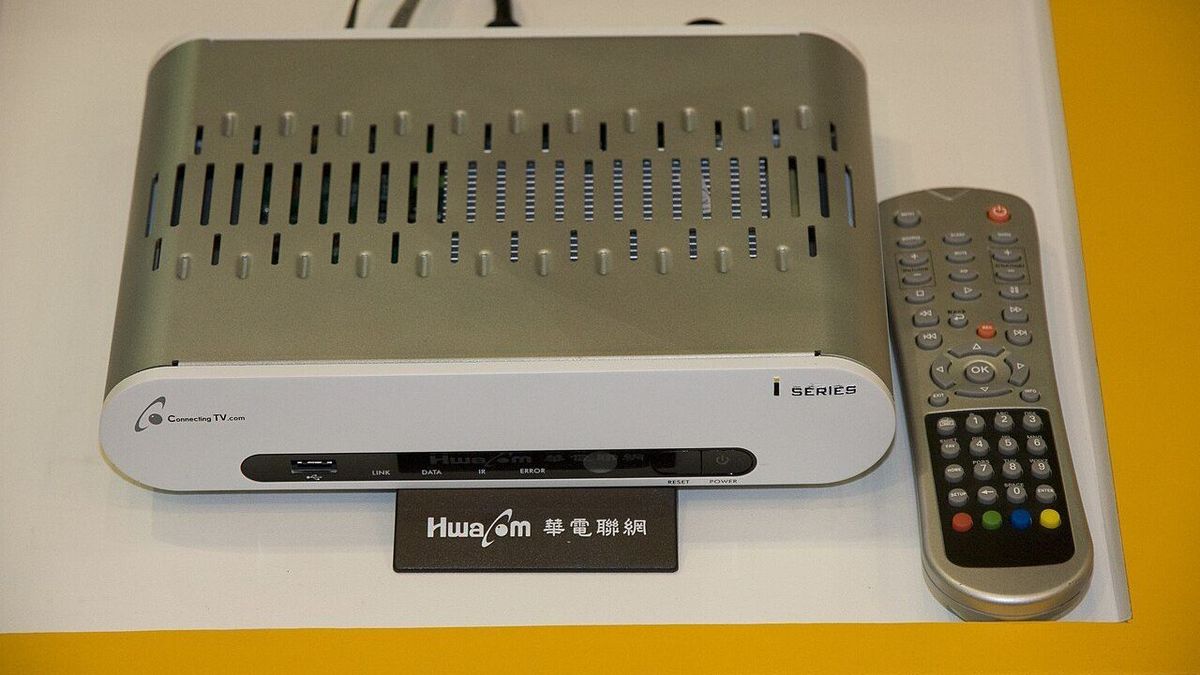
Image: Home theater room with a large screen and seating. Photo by 欣盈, CC BY-SA 2.0, Wikimedia Commons.
