A stream can look sharp in a still frame and fall apart the moment the camera pans. IPTV stream quality is not one number but three, and most players can display all of them if you know where to look. Reading them takes five minutes and settles arguments that otherwise run for months.
Bitrate is not resolution
Two channels labelled 1080p can differ by a factor of three in bitrate. A news studio at 3 Mbps looks clean because the picture barely changes; a football pitch at the same bitrate turns to mush as soon as the camera moves. As a working guide, 1080p wants 5 to 8 Mbps and 4K wants 15 to 25 Mbps, with HDR at the top of that range.
The resolution label on the guide is a promise about the frame size, not about how much detail survived the encoder. 4K, HDR and Dolby Vision explains the rest of the specification.
Frame rate decides how sport looks
Film is shot at 24 or 25 frames per second; sport is usually captured at 50 or 60. A channel that delivers 1080p at 25 fps will show judder on a pan and a soft ball in flight, no matter how good the bitrate is. Frame rate costs bandwidth too, so a 50 fps feed needs noticeably more of it for the same sharpness.
If a match looks wrong while a drama looks fine, frame rate is the first thing to check.
Dropped frames and buffer health
The dropped-frame counter is the most honest number on the screen. A few drops an hour are normal. Double digits per minute means the decoder cannot keep up, which points at the box, its cooling or a software decoder doing work the hardware should handle.
Buffer health is the other half. Under two seconds of buffer, any network hiccup reaches the screen.
Finding the IPTV stream quality overlay
Most players hide statistics behind a long press of the OK button, a settings submenu or a developer option. Once open, compare decode FPS with display FPS: a mismatch means the device is falling behind.
A five-minute measurement routine
- Pick one channel you actually watch and leave it running for five minutes at 9pm.
- Write down the lowest and highest bitrate shown.
- Note the dropped-frame count before and after.
- Repeat on Ethernet.
- Run the same stream on a second device for comparison.
If bitrate sags only in the evening, the provider is short of capacity, as described in why streams freeze at peak hours. If frames drop at a steady bitrate, the box is the limit, and hardware decoding on Android boxes explains why.
FAQ
What bitrate should 1080p IPTV use?
Between 5 and 8 Mbps for most content. Below 4 Mbps, motion and fine texture suffer visibly, whatever the resolution label says.
Why does 4K look soft on my television?
Either the bitrate is closer to 10 Mbps than 25, or the box is outputting 1080p and the television is upscaling. The overlay shows which.
Do dropped frames always mean a bad stream?
No. They can come from the device, its cooling or an app using software decoding. A steady bitrate with rising drops points at the hardware, not the provider.
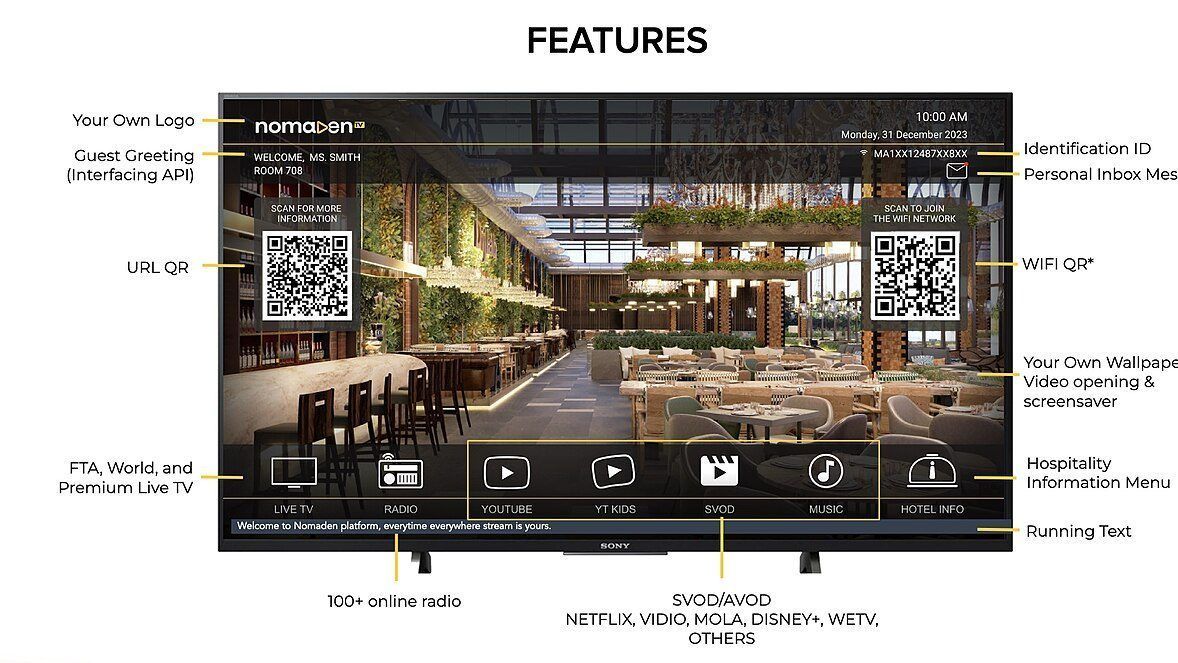
Image: Video statistics overlay on a television screen. Photo by Guruh.avandianto, CC BY-SA 4.0, Wikimedia Commons.
