
Sports, films, and the IPTV guide
Channels are grouped by sport, cinema, news, kids, music, and documentaries. The sports and cinema packs depend on the plan.
Channels are grouped by sport, cinema, news, kids, music, and documentaries. The sports and cinema packs depend on the plan.
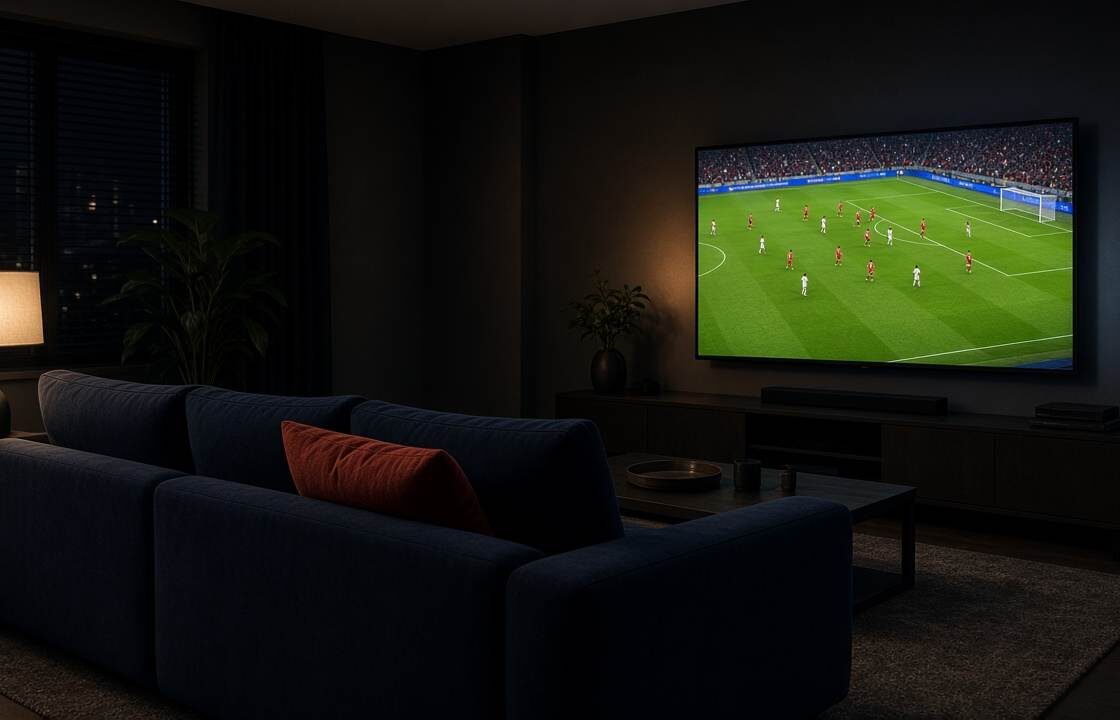
Know the television, how many screens you need, and that the price is monthly. Then send the model with the request.
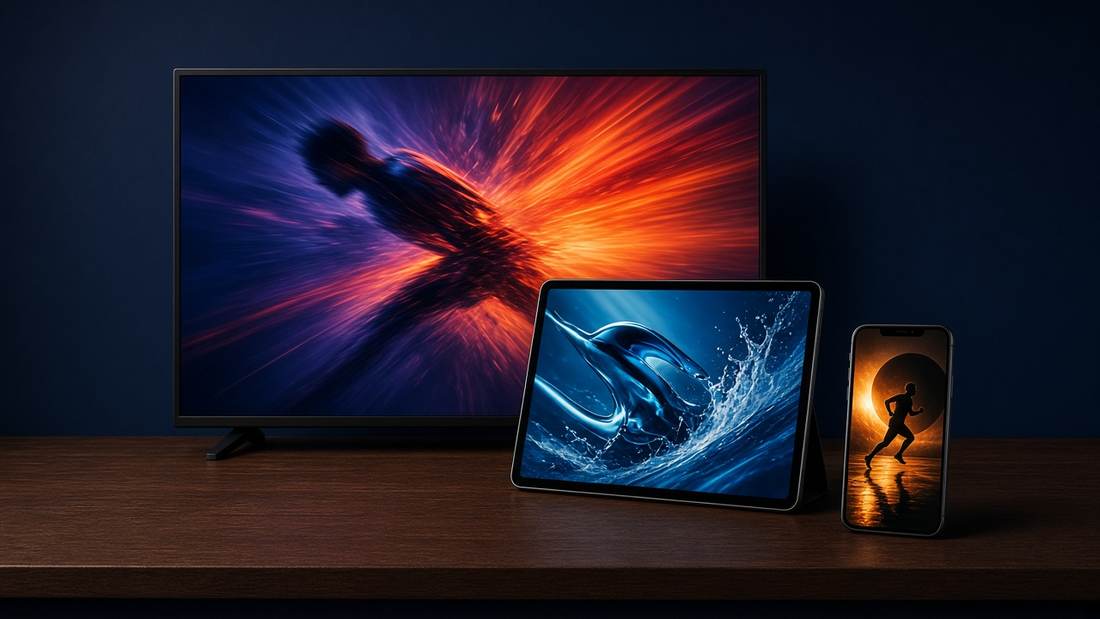
The login moves with you. Install the player on the new set and sign out of the old one if you are at the screen limit.

A fast speed test does not guarantee a steady picture. Live TV needs the speed to hold, and the Wi-Fi path matters as much as the number.

Catch-up is replay on channels that allow it. The number of days depends on the plan, and not every channel offers it.
A refused login is usually the details from the email, a full screen limit, or a plan that has not started yet.
The guide is there, but the channel stays black. Check sound, one channel against another, and the cable to the screen.
An empty guide is different from a channel that will not play. Refresh the list before you delete the login.
A laptop can open the player in the browser when you are away from the television. The login is the same.
iPhone, iPad, and Android can use the same login as the television, as long as you stay inside the screen limit.
Fire Stick and Android TV install a player from their own store. The login is the same one the welcome email already gave you.
Most stuttering is the path from the router to the television. Change one thing at a time so you know what fixed it.
The difference between Start, Plus, and Max is screens, catch-up, and how much of the sports and cinema packs you want.
Samsung, LG, and Android TV can use the player from the television’s own store. Here is the order that avoids installing the wrong app.